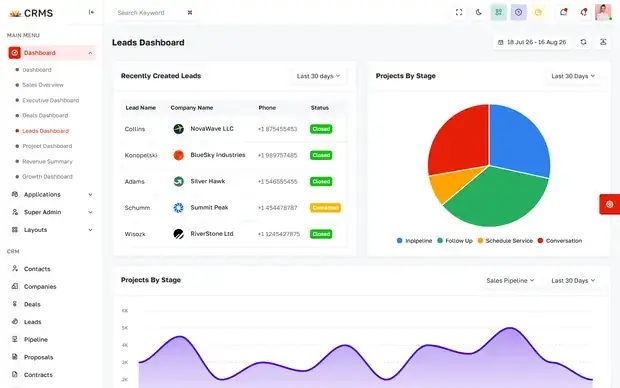
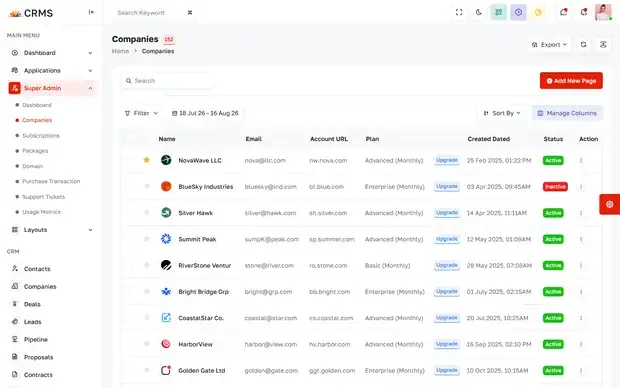
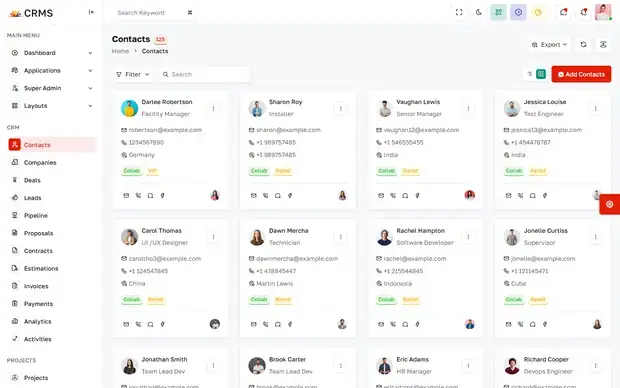
Relay CRM, Customer Management Suite
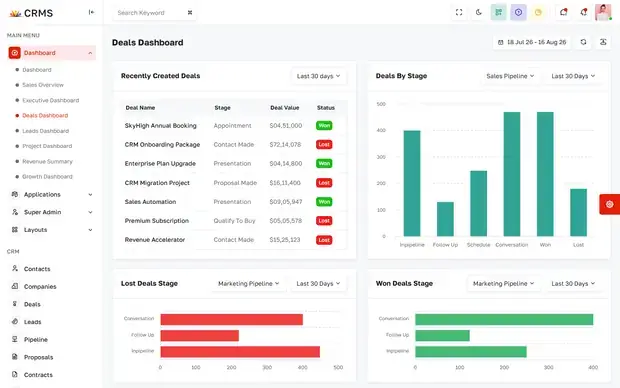
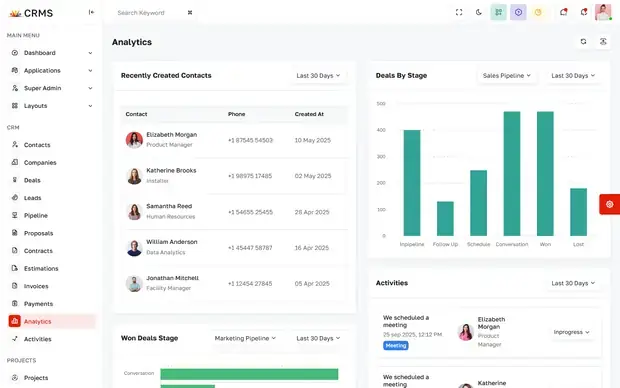
A full customer management console — pipeline dashboard, lead scoring, company records and contact profiles behind one role-aware navigation.
Portfolio
From extending an existing CRM to replacing a decade of spreadsheets, a curated view of the customer platforms we design, build and migrate.
Selected work
A selection of the customer platforms we deliver for clients across industries.
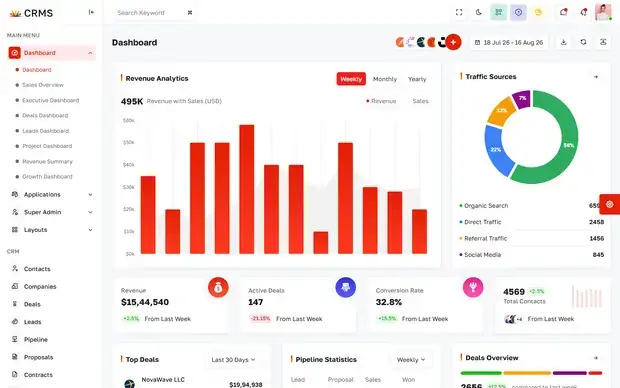
A full customer management console — pipeline dashboard, lead scoring, company records and contact profiles behind one role-aware navigation.
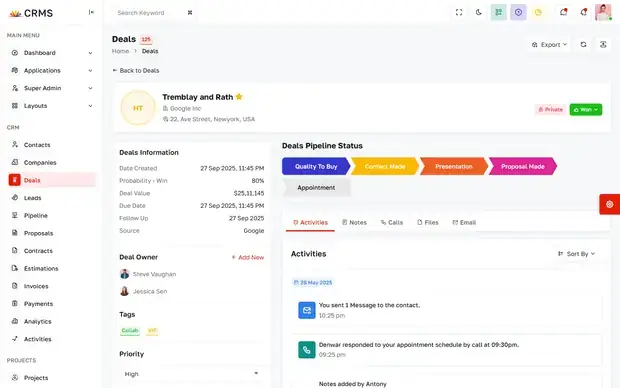
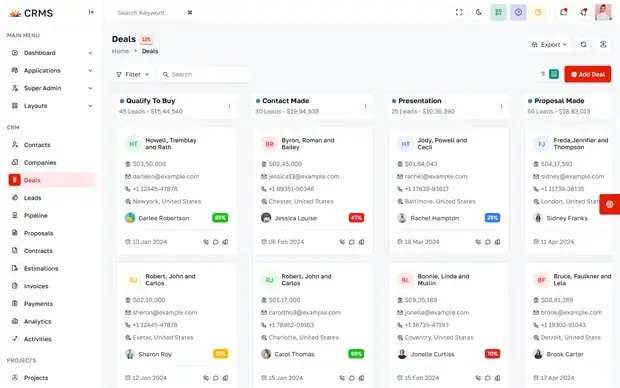
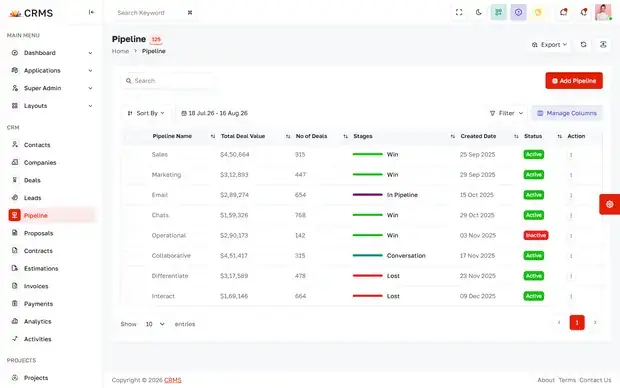
The deal side of the same platform: a record view with the full activity trail, a stage dashboard, a drag-and-drop board and the pipeline table behind it.
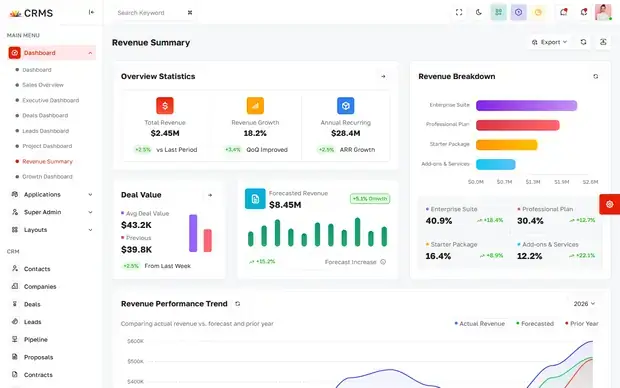
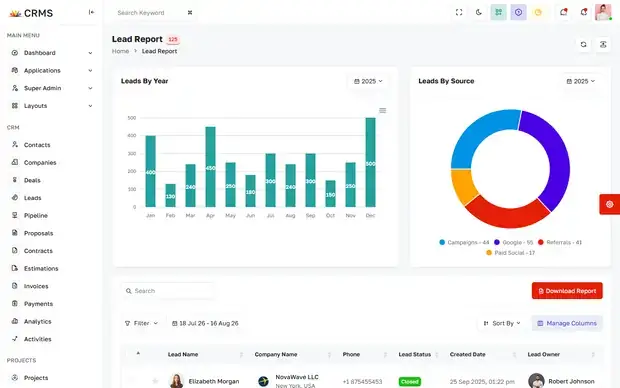
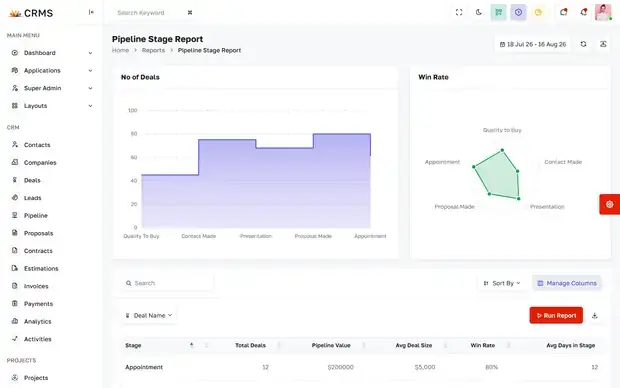
A reporting layer over the CRM — revenue summary, analytics, lead attribution and pipeline-stage reporting, each exportable for the weekly sales review.
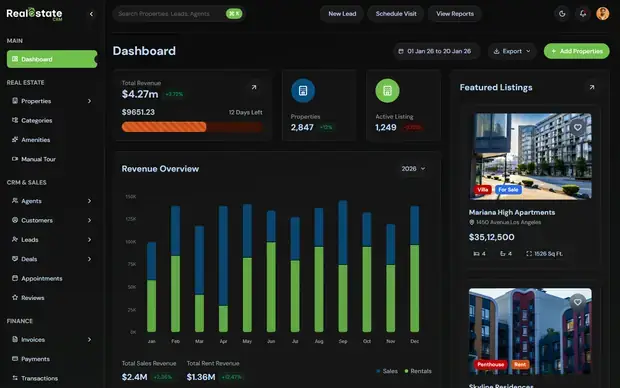
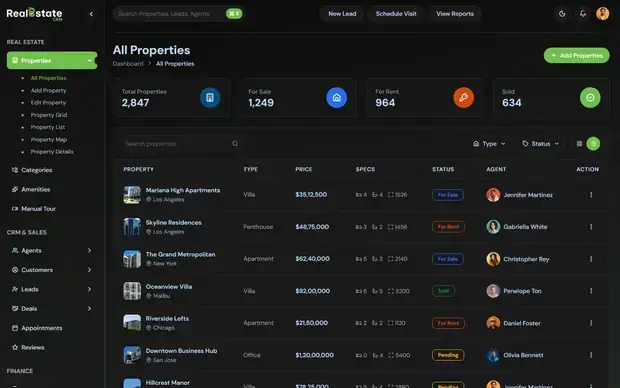
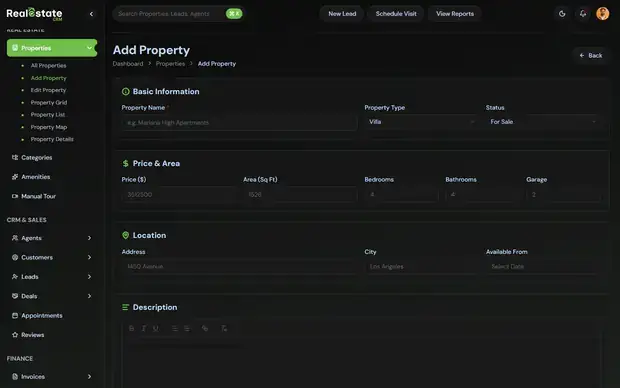
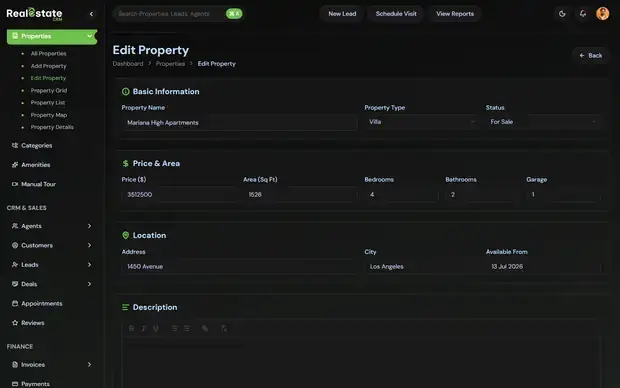
A property-focused CRM where listings, viewings and agent activity share a record — including the full add and edit flows for a new property.
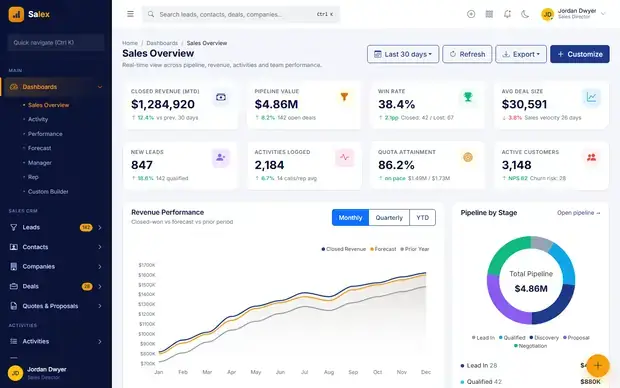
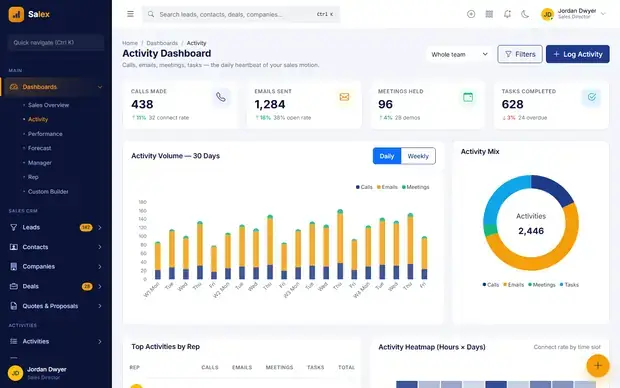
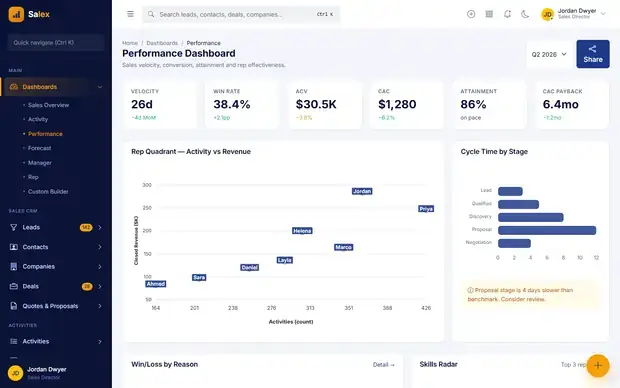
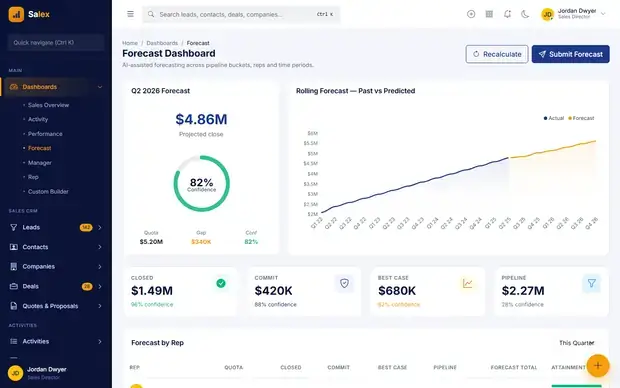
A sales operations console covering overview, activity, per-rep performance and a rolling forecast against target for the quarter.
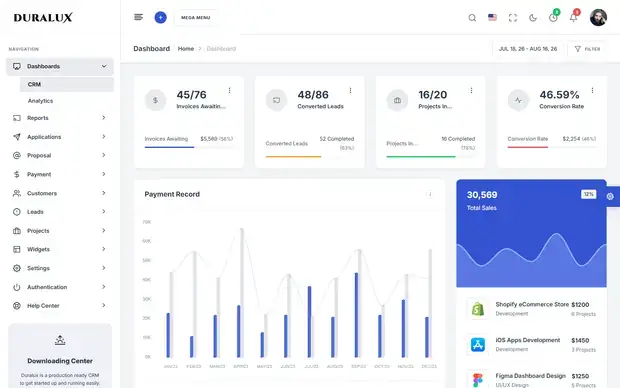
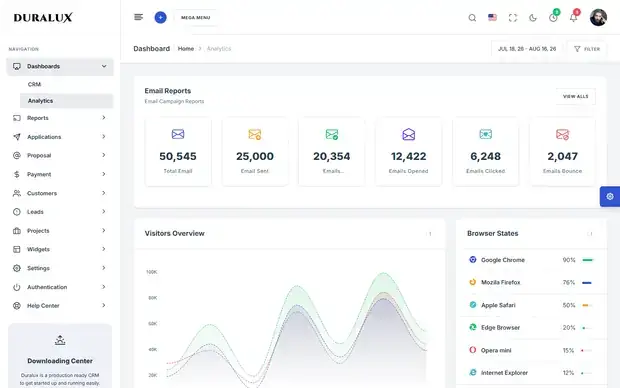
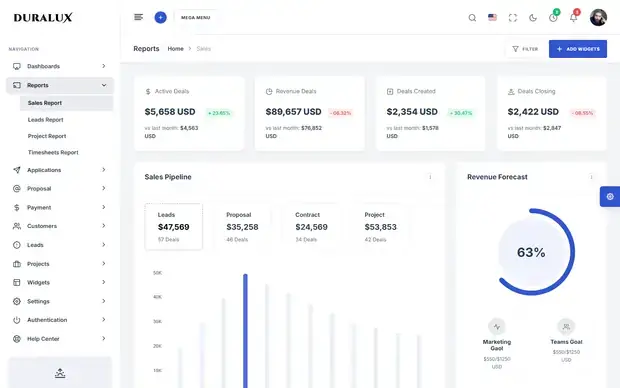
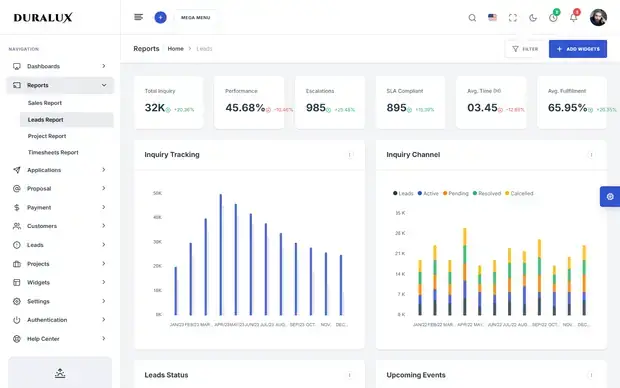
A multi-module enterprise console — customer dashboard, traffic analytics, sales reporting and lead reporting under a single shell.
Live CRM builds. Each preview walks four screens from the product’s own sidebar — hover any card to page through them.
Methodology
How a CRM engagement runs, from mapping the real process to the retainer that follows go-live.
We sit with the people who use the system daily and document the real workflow — including the workarounds nobody admits to in a kick-off meeting.
Entities, fields, relationships and permissions designed and reviewed before any interface work begins, because everything downstream depends on it.
Interface, business logic and automation delivered in short cycles, with a working environment your team can trial while the build continues.
Historical data audited, deduplicated and imported into a test environment, then reconciled against source records before anyone commits to cutover.
Staged rollout by team, hands-on training and a fast-response change queue for the first weeks, when adoption is genuinely decided.
New modules, new regions and new reporting added by configuration and delivery sprints rather than another full vendor project.
Common challenges
The problems that usually prompt a CRM project — and how each one gets solved.
They exist because the tool could not express the process. We map what people actually do first, then build the system around it, which is what makes the side-spreadsheet unnecessary rather than forbidden.
Adoption is a design problem before a training one. We remove admin steps rather than adding them — automatic activity capture, sensible defaults and fewer required fields at the point of entry.
Migration begins with an audit: duplicates, orphaned relationships and dead fields identified before import, then reconciled against source records so you can verify the numbers yourself.
One dataset, consistent stage definitions and reporting built into the platform, so the weekly forecast stops being five exports stitched together by hand each Monday.
Custom platforms run in your cloud accounts with your repository and full documentation at handover. Growing the team stops being a budget conversation with a vendor.
Show us how your pipeline really works — including the workarounds. We will map what a system built around it would look like.